
🎯 Overview
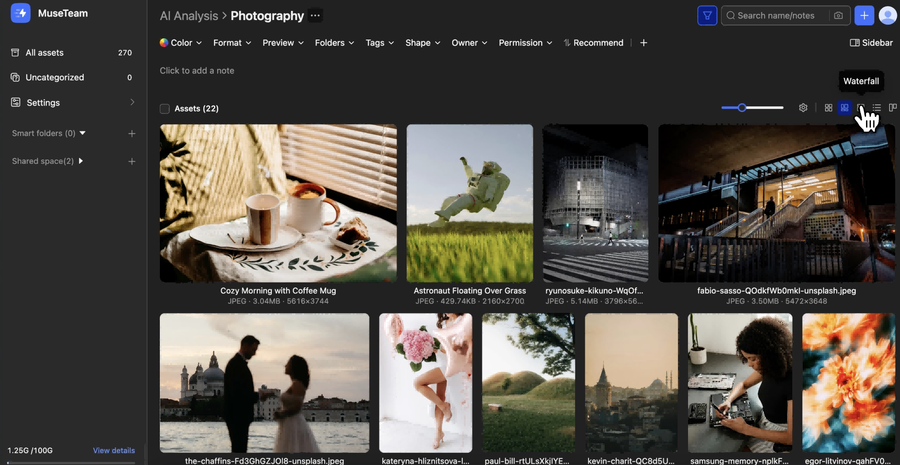
MuseDAM offers five content view modes — Grid, Adaptive, Waterfall, List, and Kanban — so you can switch between layouts depending on how you're working. Each view is optimized for different browsing and management needs, making it easier to visualize your assets and keep your workflow moving.
You can also use Field Settings to customize which asset details are displayed in each view — including folder notes, asset details, copyright information, metadata fields, display mode, status, and usage rights — so the interface fits the way your team works.